
Restaurant Menu & Price List Studio
Design food menus and service price lists. Create a neat downloadable digital restaurant menu.
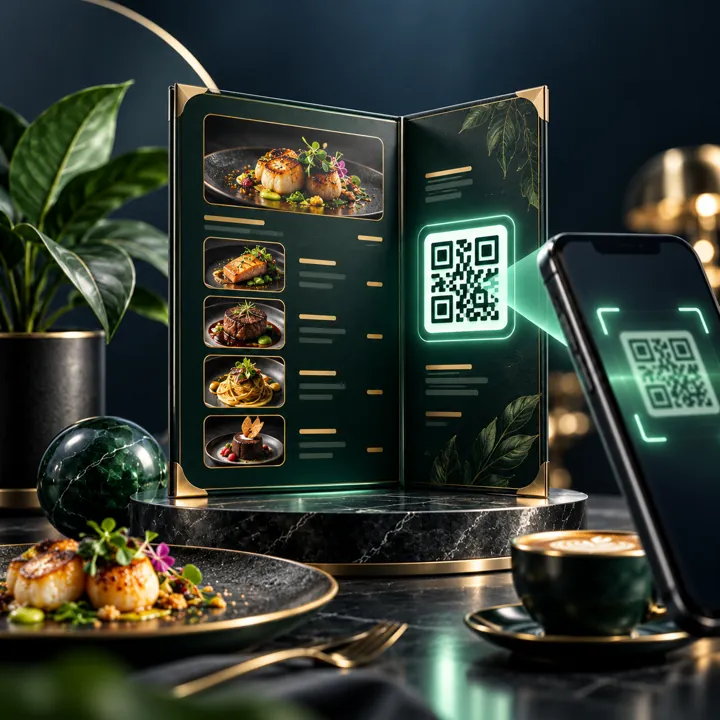
Make something useful.
Enter the details, review your result, then copy or export. No account and no AI required.
See a real task before you start
Add three menu items with sections and prices.
Design your menu
Add items and export a portable, shareable price list.
Keep this work for next time
Guests can keep using this tool. Members can save and resume drafts across devices, with no AI required.
Save or export a complete editable draft, including repeated line items. Files and passwords are never included. JSON backups stay on your device unless you choose to share them.
Your result
See the output and use its export controls when ready.
Complete the form to get started.
Quality checkpoint
- Check allergen and pricing claims
- Test exported HTML and links on a phone
The calculator, builder or download above works independently. AI Assist is an optional explanation and writing helper, never required to complete the core task.
Make a readable restaurant menu or service price list
A useful menu helps customers understand what is on offer, how much it costs and how to order. Great menu design prioritises legible prices, sensible grouping, honest descriptions and mobile-friendly presentation rather than decoration. Use this studio for restaurant menus, coffee shop specials or service price lists. You can generate a printer-friendly PDF, download a portable HTML version and export a CSV item list. It does not automatically publish a web address or create a hosted QR menu; hosting the exported HTML remains your responsibility.
Before you start
An effective menu or price list is readable, accurately priced and easy to update. Group offers sensibly, keep formatting consistent and explain optional extras or variations. A QR menu works only after the HTML page is hosted somewhere customers can access.

How to use this tool
- Enter the restaurant or business name, contact channel and a short introduction.
- Add item rows with category, description and price. Preview the menu with consistent typography and spacing.
- Download a document or standalone HTML page, publish it on your own hosting if needed, and point a real QR code to the published address.
A real-world example
A small café creates sections for coffees, pastries and lunch specials. Each item gets a short description and a clear rand price. A separate downloadable print version can be kept at the counter.
Keep allergen and dietary information accurate, update pricing before distribution and avoid misleading claims about included services.
Check this before you finish
- Proofread prices, descriptions and availability.
- Test the exported page on a small phone.
- Host the output on a stable public URL before printing QR codes.
What to avoid
A locally downloaded HTML file is not automatically published as a live menu.
WHAT THIS TOOL ACTUALLY DOESExport a portable menu page or printable document for your business.
Frequently asked questions
Will visitors be able to scan a menu link immediately?
Only after you upload the exported HTML to a public HTTPS address. This tool does not host the page.
Can I add unlimited dishes?
This browser edition supports a practical capped number of items to keep the document readable and export reliable.
Continue with a related tool
Use the next tool when you're ready, without rethinking the whole workflow.


